Reviewing a Period
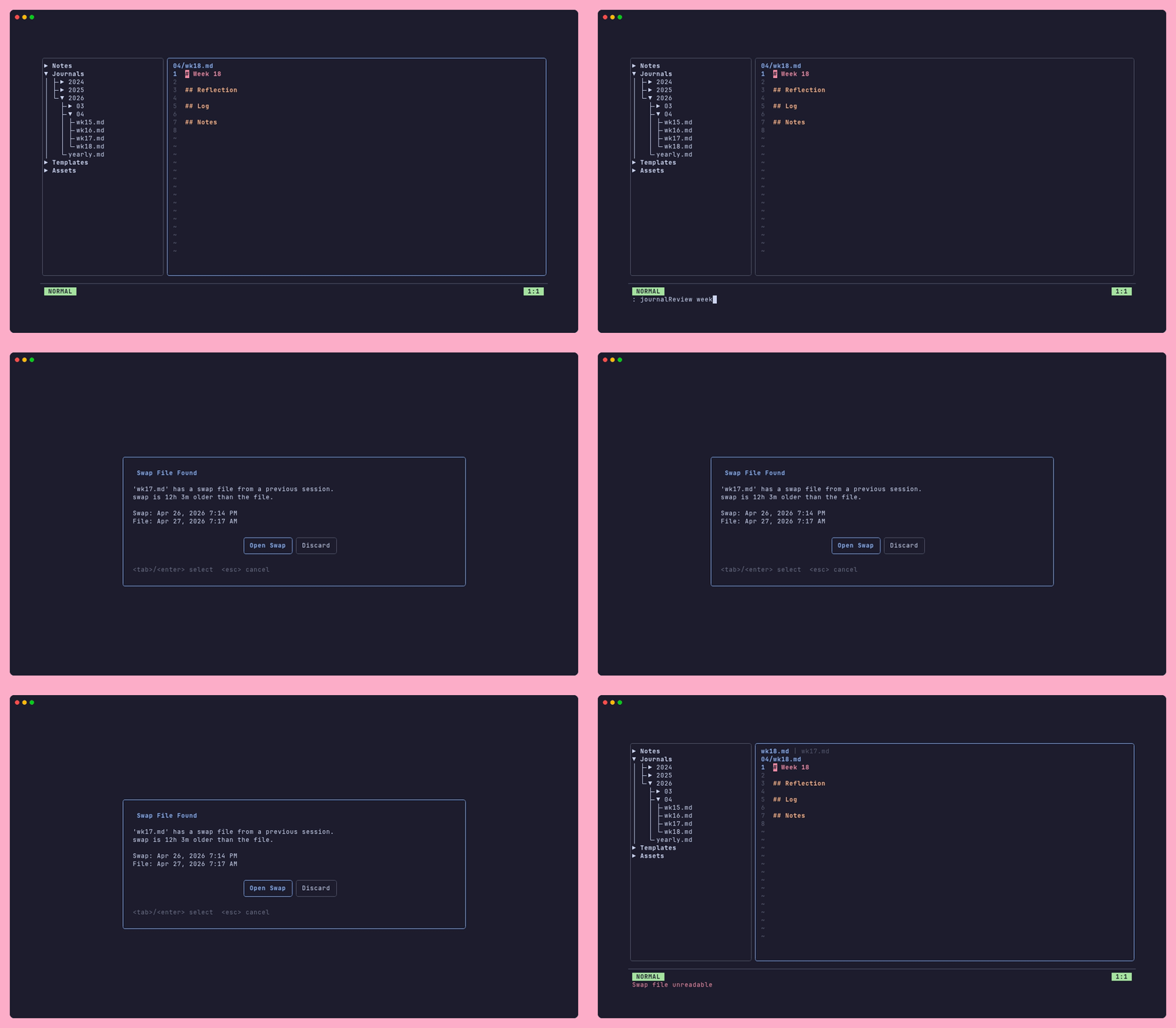 When we want reflect upon what happened in the past and plan for the future, its helpful to be able to look over a set of related journal entries together.
This can help us better reflect on the period at hand and write up summaries of events, without switching files manually.
Fern has you covered with
When we want reflect upon what happened in the past and plan for the future, its helpful to be able to look over a set of related journal entries together.
This can help us better reflect on the period at hand and write up summaries of events, without switching files manually.
Fern has you covered with :journalReview <period>.
What it opens
The review command opens the current period's journal entry (creating it if needed) alongside all of the entries that feed into it, as new tabs in the current pane. Only files that already exist on disk are included. Fern does not create the sub-period entries.
| Command | Files opened |
|---|---|
:journalReview day |
Yesterday's daily entry + today's daily entry |
:journalReview week |
Last week's daily entries + last week's weekly + this week's weekly |
:journalReview month |
Last month's weekly entries + last month's monthly + this month's monthly |
:journalReview year |
Last year's monthly entries + last year's yearly + this year's yearly |
Typical workflow
A weekly review might look like this:
- Run
:journalReview weekon Monday morning (or whenever you do your review). - Fern opens last week's daily logs alongside last week's weekly entry and a fresh weekly entry for this week.
- Use
[and]to cycle through the tabs, reading back through the week. - Write your reflection and plans in the new weekly entry.
- Save with
:wand close the review tabs withctrl+w.
The same pattern scales up: :journalReview month at the start of a new month, :journalReview year in January.
Using the command palette
:journalReview is also available in the command palette (ctrl+p). Search for "journal review" and select the period you want.